Torrentio is arguably the most powerful addon for Stremio. It automatically scrapes magnet links from across the web and organizes them into high-definition video streams. This tutorial will walk you through the configuration process to ensure seamless synchronization across all your devices.
🛠️ Step 1: Prerequisites
Before installing the addon, ensure you have a Stremio account.
- Sign Up: Visit the Stremio Official Website to create an account.
- Cross-Platform Sync: Once configured on one device, your addons and settings will automatically sync to your phone, computer, and TV.
⚙️ Step 2: Web Configuration (Crucial Step)
Torrentio isn't a simple "download and install" file. Instead, you generate a custom configuration link via its web interface.
- Configuration URL: https://torrentio.strem.fun/configure
1. Parameter Settings
After opening the page, you will see several options. We recommend the following settings:
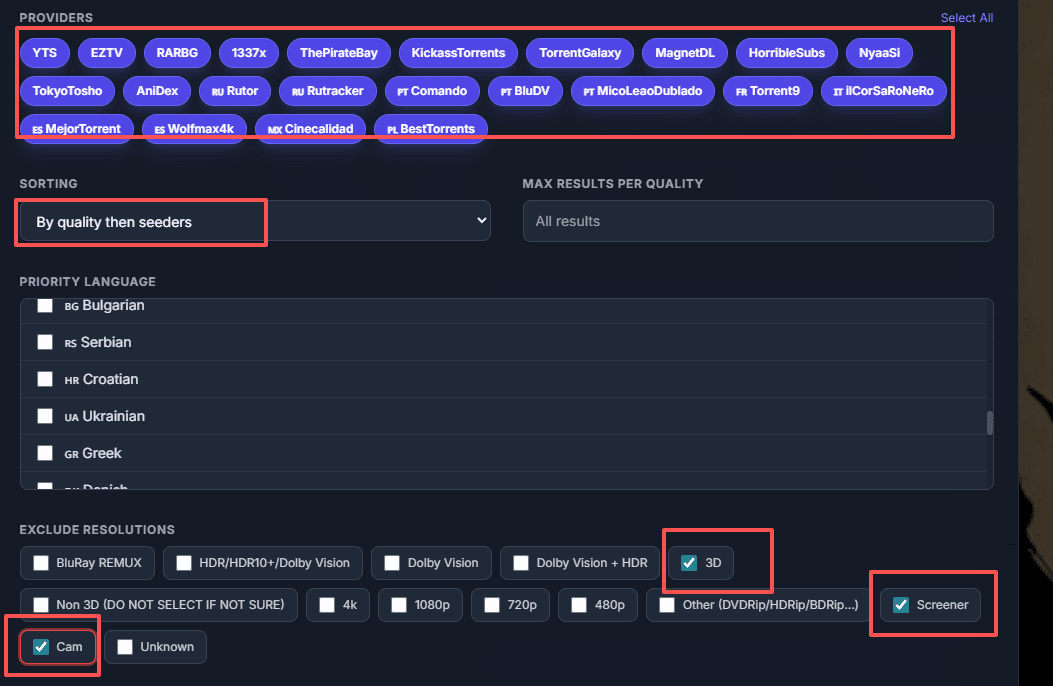
- Providers: Keep all selected (default).
- Sorting: Recommended:
By quality then seeders(prioritizes high-def streams). - Exclude qualities: Check the boxes for qualities you don't want to see (e.g., check
3D,Screener, andCAMto filter out low-quality "theatre" rips). - Debrid Provider (Advanced): If you have a subscription service like Real-Debrid, enter your API Key here. This enables instant 4K streaming without buffering or P2P risks.
2. Generate the Installation Link
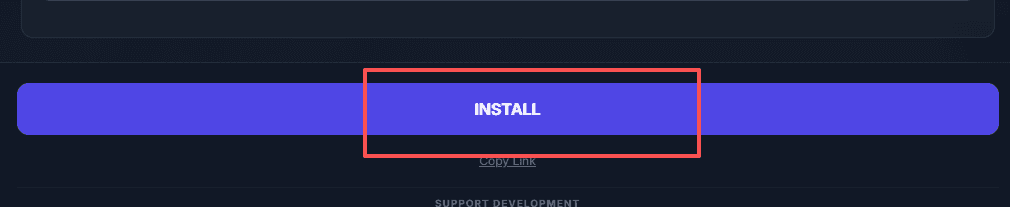
Once configured, click the [Install] button at the bottom of the page.
💻 Step 3: Installation Methods
1. PC Client (Windows / macOS / Linux)
If the Stremio desktop app is already installed on your computer:
- Click [Install] on the configuration webpage.
- Your browser will prompt: "Open Stremio?"
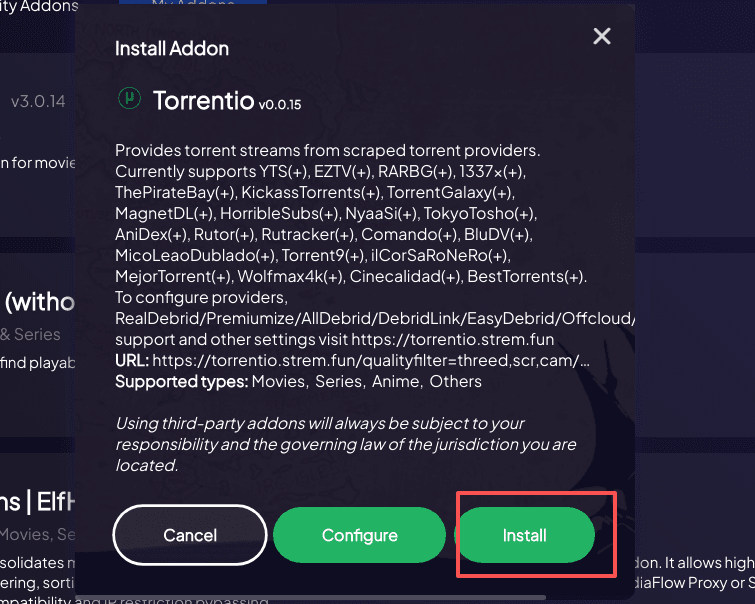
- Click "Open"; the Stremio app will launch an addon installation pop-up.
- Click Install to confirm.
2. Web & Mobile Installation (iPad / iPhone / Browsers)
If you are on a mobile device or a computer where the "Install" button doesn't trigger the app:
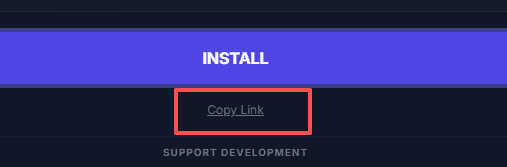
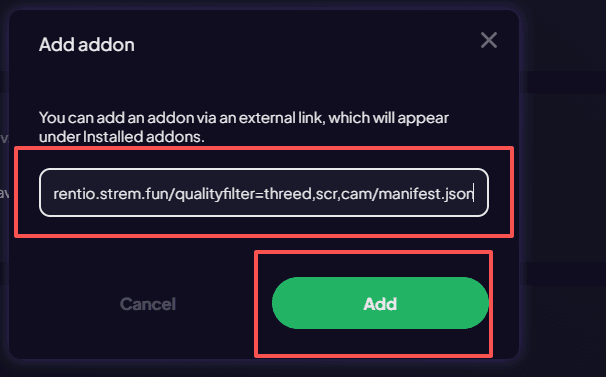
- At the bottom of the configuration page, Right-click (or long-press) the [Install] button.
- Select "Copy Link Address".
- Open Stremio Web and log in.
- Click the Add-ons icon (the puzzle piece) in the sidebar.
- Paste the copied URL into the search/URL box.
- Click Install when the addon appears.

📺 Step 4: How to Use
Once installed, return to the Stremio home screen (on PC or Web):
- Search for a movie or TV show (English titles yield the best results).
- Enter the title's detail page.
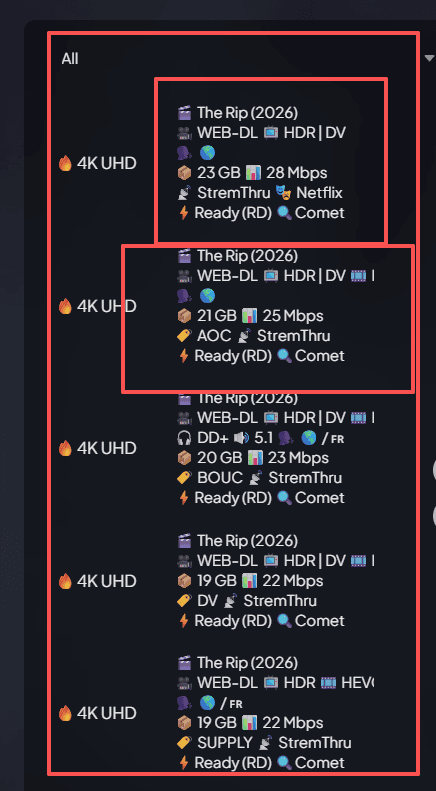
- In the stream list on the right (or bottom), you will see links labeled Torrentio.
- Select the highest quality link and enjoy your stream!
💡 Troubleshooting
| Issue | Solution |
|---|---|
| "Install" button does nothing | Manually copy the link address and paste it into the Add-ons search bar within Stremio. |
| Video buffering/lagging | Use a Debrid service (like Real-Debrid) or choose a source with more "Seeders." |
| Can't find specific titles | Try searching for the original English title, or install the TMDB addon to improve search metadata. |