Adventure Time has 10 seasons in total, and you can watch the whole thing on Stremio. If you want to watch the full version with high quality, I suggest you install the Torrentio addon. For the specific installation steps, check out this article: The Ultimate Torrentio Installation & Configuration Guide (PC & Web).
Here’s a quick demo of how to watch Adventure Time on Stremio:
Step 1: Install Stremio
(I guess you’ve already installed it, so you can just skip this step.)
Step 2: Open Stremio
Let's open up the app first.

Step 3: Search
Type "Adventure Time" in the search box and hit Enter.

Step 4: Find the Series
Now you’ll see a bunch of videos about Adventure Time. In the "Series" column, you'll find basically all the seasons. Let's open the first one.
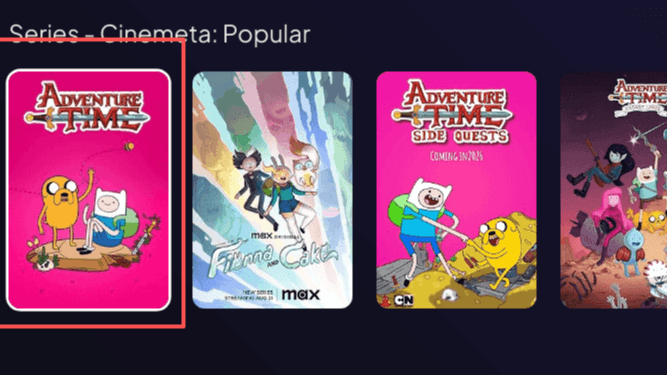
Step 5: Pick a Season
If you have the Torrentio addon installed, you can just click on any season you like (for example, I’m clicking Season 1).
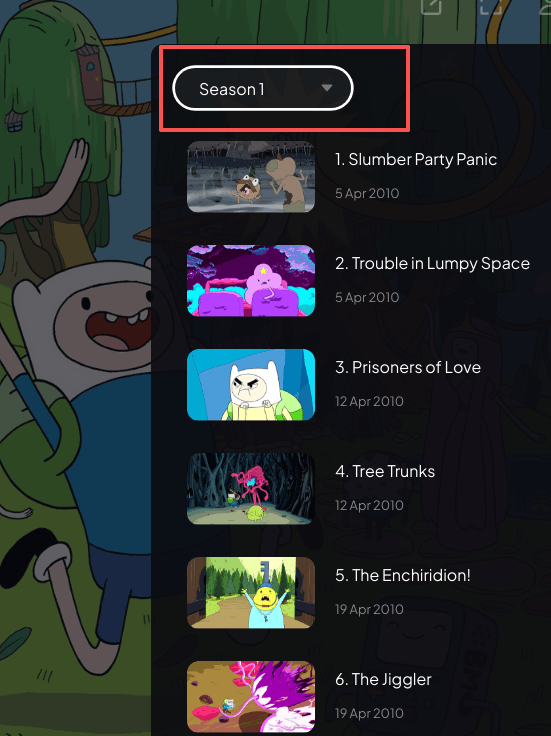
Step 6: Wait for it to load
Then you’ll see something like the picture below. Just wait for it to finish loading—sometimes it might say "Addon is loading." Once it's ready, it lets you enjoy the show in 1080p HD.
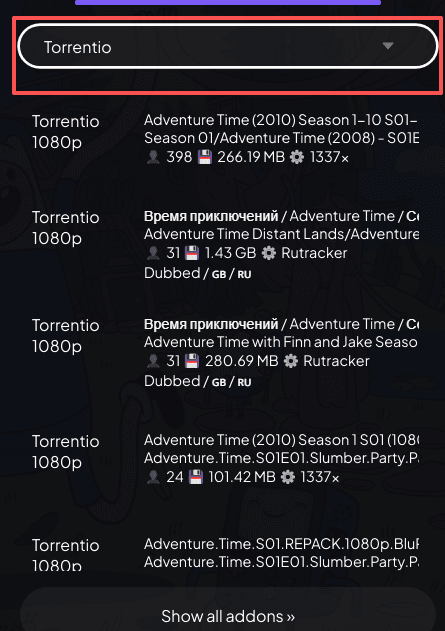
Step 7: Select your link
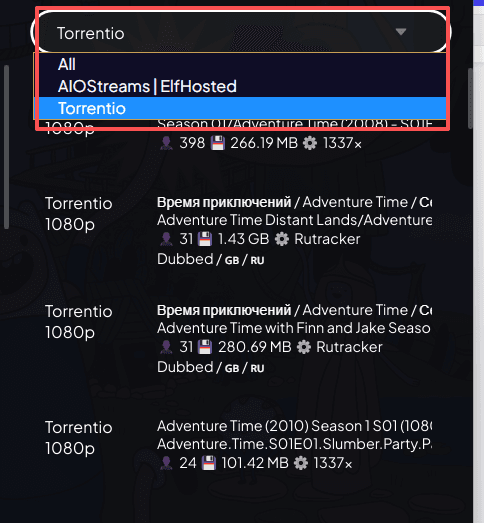
Choose the Torrentio addon, and it will list all the video links provided by Torrentio, as shown here:
Last Step: Play!
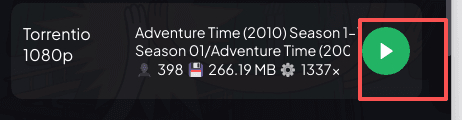
Finally, just click that play button and enjoy the visual feast!