Zamunda Is Back – How to Access the Site After Restrictions
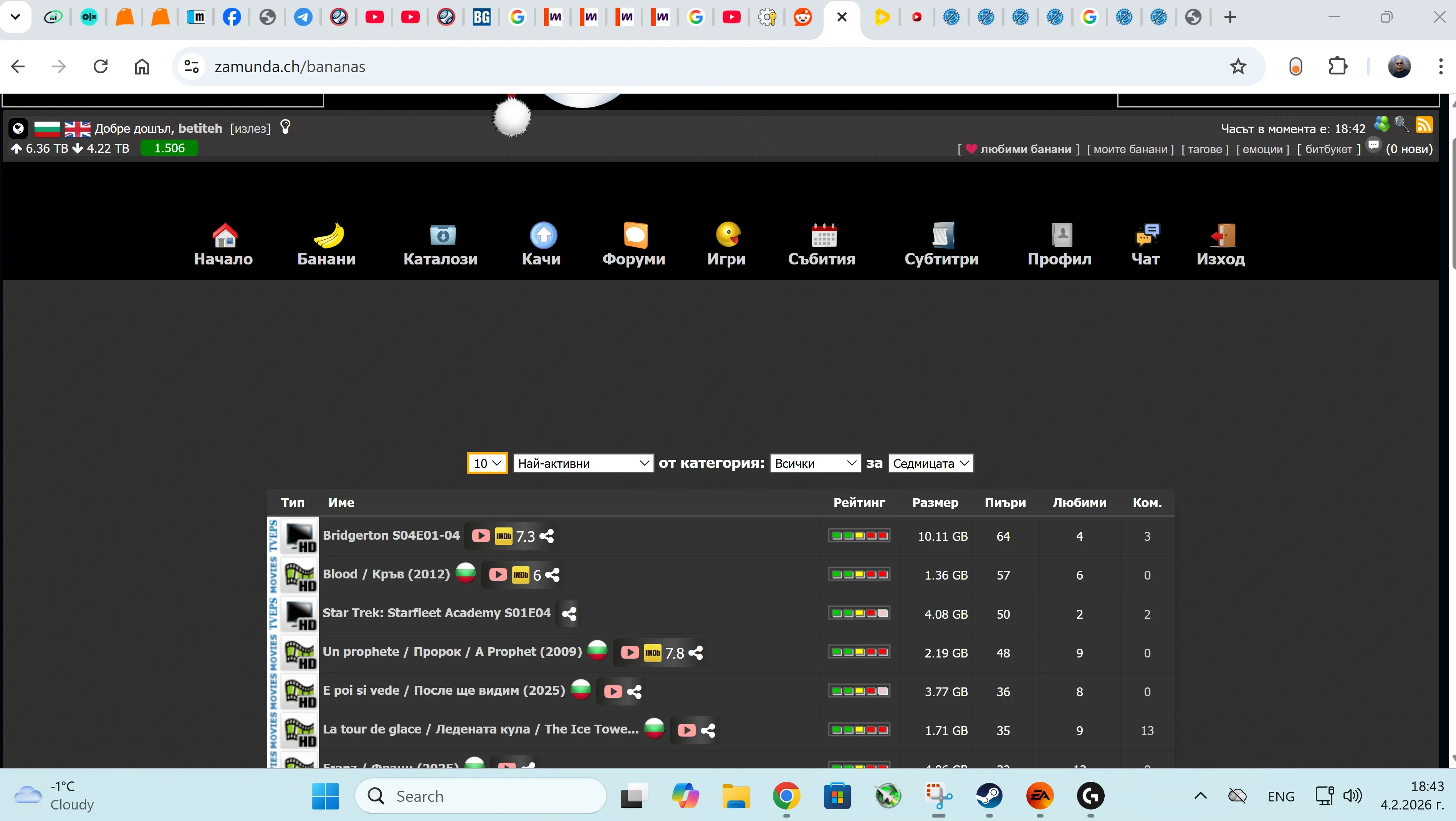
Due to recent restrictions, the main login page may be blocked. Below are working methods to access Zamunda.
✅ Method 1: Direct Login via URL
Since the default login page may not load, you can log in directly using a constructed URL.
Step 1: Create Your Login URL
Replace YOUR_USERNAME and YOUR_PASSWORD with your actual credentials:
https://zamunda.ch/takelogin.php?username=YOUR_USERNAME&password=YOUR_PASSWORD
Example
https://zamunda.ch/takelogin.php?username=Pesho&password=1234

Step 2: Handle the Block Page
After entering the login URL, you may see a warning or block page.
Don’t worry — this is expected.
Step 3: Navigate to the Site
Once successfully logged in, visit:
https://zamunda.ch/bananas
You should now have full access.
🌐 Alternative Domains
If .ch is not working, try:
📝 Register a New Account (If Needed)
If you forgot your account details or don’t have one, register a new account:
https://zamunda.ch/signup.php
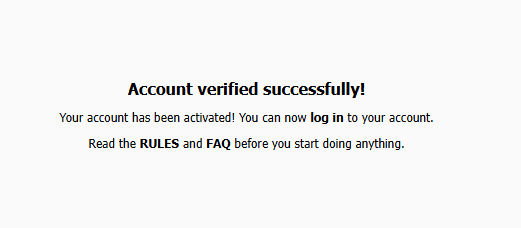
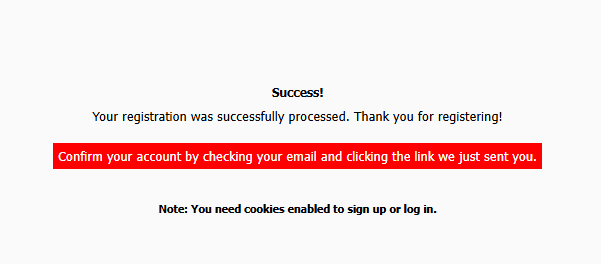
After registration, use your new credentials in the login URL:
https://zamunda.ch/takelogin.php?username=YOUR_USERNAME&password=YOUR_PASSWORD
🎥 Video Tutorial
⚠️ Notes
- This method bypasses the blocked login page.
- New content and seeders may currently be limited.
- The domain may change again in the future.
🔧 Troubleshooting
- Make sure you replace
YOUR_USERNAMEandYOUR_PASSWORDcorrectly. - Credentials must be placed after the
?in the URL. - Correct format:
username=your-username&password=your-password
Source: Reddit r/AskBulgaria community