Real Debrid has some obvious advantages, but the downside is that it's paid—though it's not expensive. If you're watching videos on Stremio and experiencing frequent buffering, I highly recommend installing the Real Debrid service.
[Pricing plans image]!(https://admin.stremioaddonmanager.org/uploads/aa_7cb6d0b596.png)
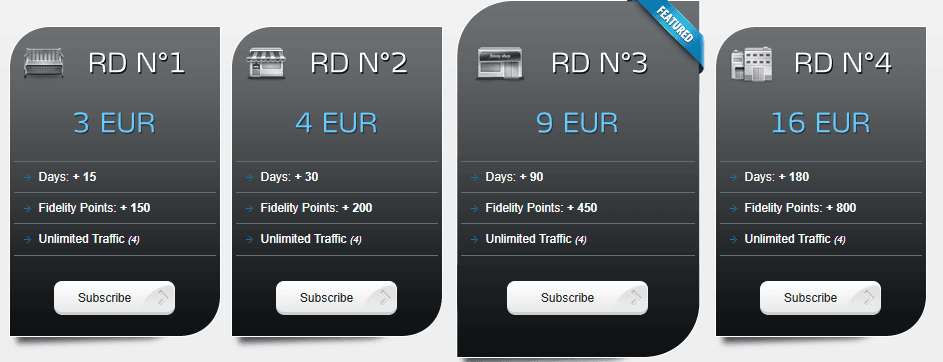
Below, I'll walk you through how to install Real Debrid on Stremio step by step.
First, open https://torrentio.strem.fun/configure. If you've already installed the Torrentio addon, you can uninstall it first.
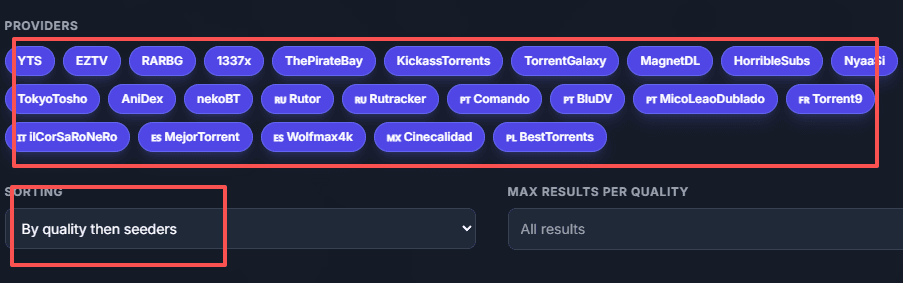
Second, after opening the link above, we'll select the services we want based on Providers, Sorting, etc. I'm selecting all of them here, and for sorting, I'm choosing "by quality then seeders."
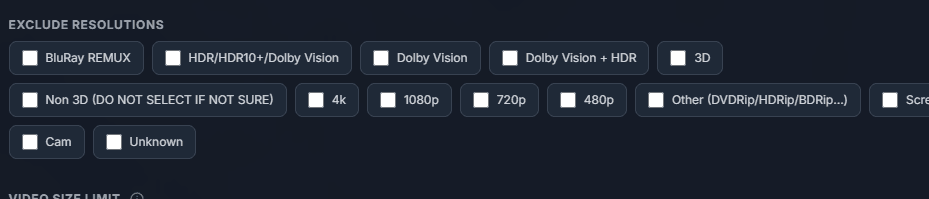
Third, scroll down to the bottom and you'll see "Exclude Resolutions." Here, select based on what you need.
[Resolution selection image]!(https://admin.stremioaddonmanager.org/uploads/cc_c7593575db.png)
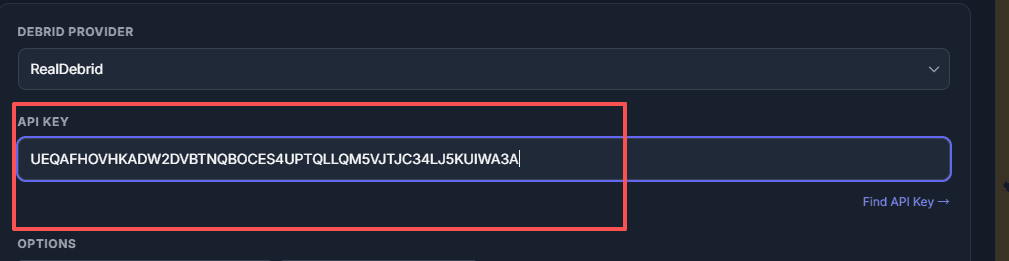
The most important step: Below "Exclude Resolutions" is the "Debrid Provider" section. The first option is Real Debrid—select it, then enter your API key. You can find instructions for getting your API key at the bottom of the input box—click "Find API Key" and it'll take you to https://real-debrid.com/
[Get API key image]!(https://admin.stremioaddonmanager.org/uploads/dd_aadffc72fa.png)

Register your own account and log in. Then, open https://real-debrid.com/premium to choose a plan. If you want to try it out first, you can go with the 3 euro plan, which gives you 15 days of 4K resolution streaming with no buffering—a visual feast.
After payment, open https://real-debrid.com/devices. This is your API key page.
[API key page screenshot]!(https://admin.stremioaddonmanager.org/uploads/ee_714e66985e.png)
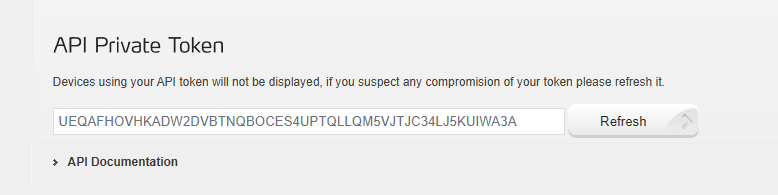
Copy the API key and paste it into the https://torrentio.strem.fun/configure page we opened earlier.
[Paste API key image]!(https://admin.stremioaddonmanager.org/uploads/ff_5adbdaffba.png)
That's it for configuration! Now click "Install" at the bottom. If you have Stremio installed on your computer, it'll automatically open the installation page, and you can install it from there.
Alright, that's the end of the tutorial. Hope my guide helps you out. See ya!